Neon Abyss 2 on Steam Deck: Compatibility & Settings
Can you play Neon Abyss 2 on Steam Deck? The game runs on Deck, but early access players reported stuttering. Here is the current compatibility picture.
Neon Abyss 2 is a Steam release, so it can run on Steam Deck — but whether it runs well is a more complicated question. Players have reported stuttering issues on Steam Deck during the game's early access period, and the 1.0 full release brought a round of performance optimizations aimed at problems like those. The honest current answer: the game is playable on Deck, early stuttering complaints are documented, and a definitive "verified on Steam Deck" verdict is To be confirmed.
This page collects everything known about the Neon Abyss 2 Steam Deck situation: what players actually reported, what the 1.0 patch changed, what settings are worth trying, and what remains unverified. Because this is exactly the kind of game Deck owners love — a 2D pixel-art roguelite built for short sessions — we have kept the facts carefully separated from speculation so you can make an informed call before your next handheld session.
Is Neon Abyss 2 Playable on Steam Deck?
Technically, yes. Neon Abyss 2 is sold on Steam with the app ID 2235200, and Steam versions run on Steam Deck hardware. Players were playing it on Deck from the earliest days of early access — a community thread from the July 17, 2025 early access launch day includes a post titled "Stutters on Steam Deck as Well," confirming Deck owners were in the game on day one of early access.
However, there is an important distinction between "runs" and "runs well." The same launch-day discussion thread that recorded Deck stuttering was part of a broader wave of stutter reports — players on high-end desktop hardware, including an RTX 4090 system, reported the same symptoms. That pattern matters: when a stutter affects a Steam Deck and a top-spec gaming PC identically, the cause is usually a software-level issue in the game itself rather than Deck hardware being underpowered.
The developers engaged with the stutter reports publicly during early access, and the issue was tracked and addressed over time — the 1.0 patch notes include performance optimizations that speak directly to this history. What has not been verified is the post-1.0 experience on Deck specifically: no official Steam Deck verification status or benchmark data for the full release appears in the material available, so treat the current Deck experience as improved but not independently confirmed.
The Stuttering History: What Players Reported
The stutter story is worth understanding because it explains where the game's performance reputation comes from. On early access launch day — July 17, 2025 — the community filled a thread with stutter reports. One Deck player posted "Stutters on Steam Deck as Well," slotting into a list of reports from desktop players with wildly different hardware: an RTX 3060 system, an AMD 9800X3D with an RTX 4090 and 32GB of DDR5. Nobody's specs were low enough to explain the symptom.
The significance for Deck players is double-edged. The bad news: the game's early stuttering clearly affected the Deck alongside everything else, so the early access Deck experience was rough. The good news: because the stuttering was a game-side software problem rather than a Deck-specific limitation, fixing it at the engine level fixed it for Deck players too — assuming the fixes apply uniformly, which the 1.0 optimizations suggest.
The developers ultimately located and fixed the stuttering issue during early access, and the 1.0 release layered further performance work on top. Between those two rounds of fixes, the launch-day experience that generated those reports is no longer the current experience. But specific post-1.0 Steam Deck reports are scarce in the verified material, which is why we stop short of calling the Deck version problem-free.
What the 1.0 Patch Changed for Performance
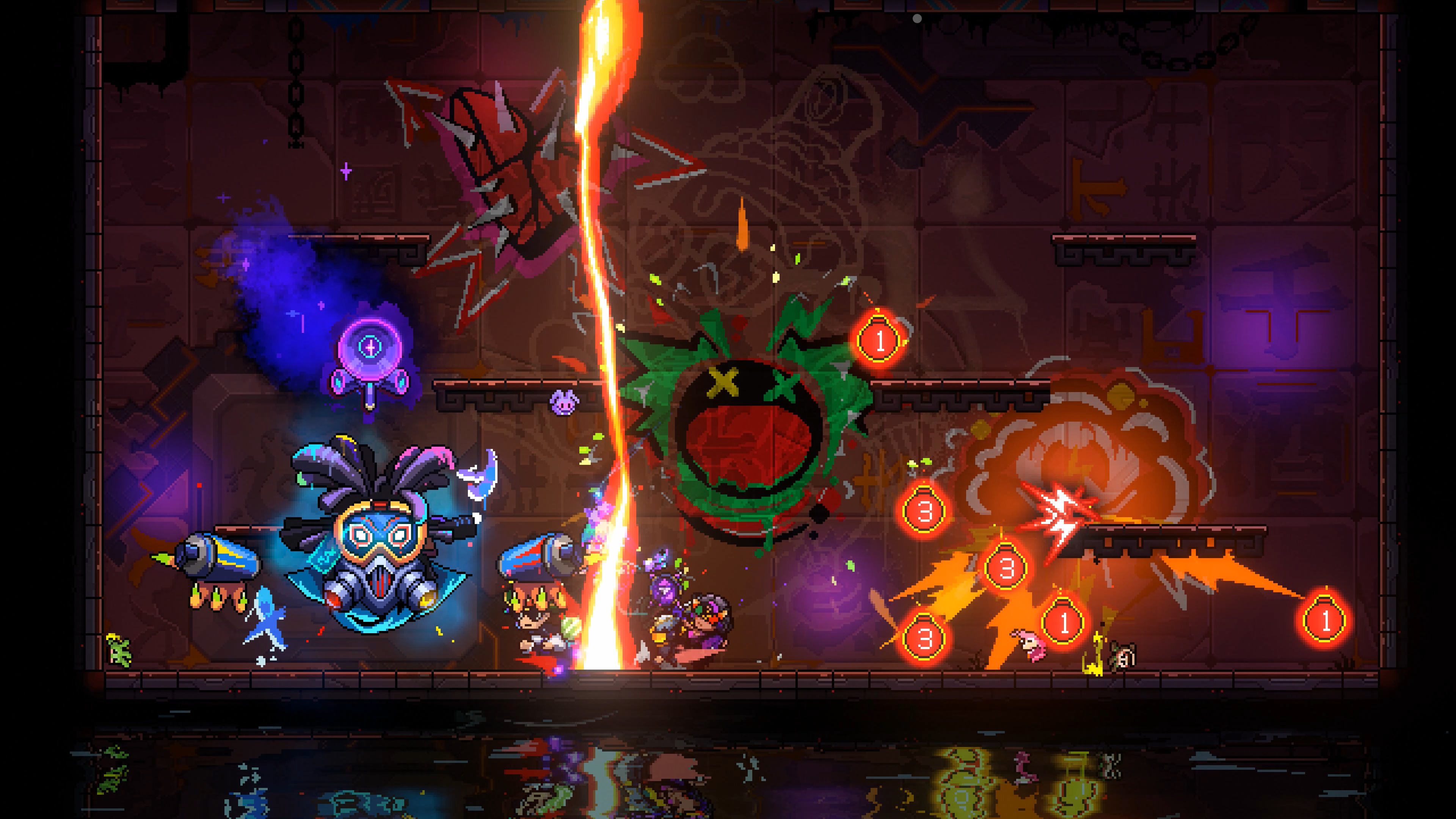
The 1.0 full release, which shipped on October 8, 2026 across PC, PS5, Xbox Series X|S, and Switch, included a set of performance optimizations directly relevant to handheld play. Two stand out: loading was restructured to split frame hitches across time instead of dumping them into single freezes, and high-frequency attack scenarios — the exact moments when dozens of projectiles, effects, and enemies crowd the screen — were specifically optimized.
Both changes target the classic roguelite failure mode: the game runs fine in empty rooms and then stutters exactly when a bullet-hell boss fills the screen with effects. For a Steam Deck player, those optimizations matter more than raw average frame rate, because the Deck's weaker CPU headroom makes frame-time spikes more punishing than on desktop hardware.
The 1.0 patch also addressed a long list of bugs beyond performance, reflecting over a year of early access feedback. Since the Deck runs the same Steam build as desktop PCs, every one of those fixes applies to handheld play automatically — there is no separate Deck version to lag behind. What we cannot quote is specific frame rate or battery-life figures for 1.0 on Deck, because no verified numbers exist in the available material; those remain To be confirmed.
Suggested Settings for Steam Deck
Without official Deck benchmarks to anchor recommendations, the sensible approach is conservative settings that minimize frame-time spikes. Capping the frame rate — whether at 60 or 40 — is the single most effective stability measure on Deck for games with bursty loads like this one, because it prevents the APU from throttling between calm rooms and dense fights. A locked, slightly lower frame rate feels dramatically better in a twitch roguelite than an uncapped one that oscillates.
Beyond the frame cap, the usual Deck toolkit applies: lower effects-heavy options first, since this game's visual load comes from particles and screen effects rather than geometry, and pixel-art games degrade gracefully at reduced resolution if you need headroom. VSync or half-rate options can help if you notice tearing during fast camera movement. These are general roguelite-on-Deck practices rather than game-specific verified settings — treat them as a starting point and adjust by feel.
If you encounter stuttering on Deck even after tuning, it is worth checking whether you are in online co-op: reviewers on other platforms noted occasional input responsiveness issues specifically in multiplayer, which points to network-related simulation behavior rather than raw performance. Solo runs are the cleanest baseline for judging how the game actually performs on your Deck. Persistent issues after that are worth reporting to the developers, who have a track record of responding to performance reports.
Steam Deck vs Other Handheld Options
For handheld play, the practical comparison is Steam Deck versus Nintendo Switch. The Switch version is a native build sold on the eShop, and it launched with the full 1.0 content set — but detailed Switch performance figures and Switch 2 compatibility are To be confirmed, so neither handheld has a fully documented performance story yet. The Deck's advantage is flexibility: it runs the Steam version with all patches, community features, and settings freedom intact, and every desktop fix lands on Deck automatically.
The Deck also inherits the Steam ecosystem's caveats. There is no crossplay from Deck to consoles — the only crossplay that exists at all is between PC Game Pass and Xbox, which does not include Steam. So a Deck player pairs exclusively with other Steam players in co-op. If your co-op group lives on Xbox or PS5, handheld co-op is not currently possible from a Deck.
If you already own the game on Steam and enjoy handheld play, trying it on Deck costs nothing extra and benefits from every 1.0 optimization. If you are choosing a platform purely for handheld use, the decision hinges on where your friends play and whether you value the Steam ecosystem's flexibility over the Switch's native simplicity — our console overview and co-op guide cover both angles in detail.
Related Guides
Related Guides
Neon Abyss 2 Consoles: Every Supported Platform Explained
Neon Abyss 2 is on PS5, Xbox Series X|S, and Nintendo Switch. Compare every console version: release dates, co-op limits, crossplay, and which one to buy.
Neon Abyss 2 Cross-Platform: Is There Crossplay?
Does Neon Abyss 2 have crossplay? No — developers confirmed no crossplay, except PC Game Pass to Xbox. Here is the full cross-platform and cross-save status.
Neon Abyss 2 Game Pass: Day One Availability & Details
Neon Abyss 2 joined Xbox Game Pass on day one of its October 8, 2026 launch. Here is what Game Pass players get, which tiers work, and co-op caveats.
Neon Abyss 2 on PS5: Release, Performance & Features
Neon Abyss 2 launched on PS5 on October 8, 2026. Here is what PS5 players get: the full 1.0 version, 4-player online co-op, and reported performance details.